You're halfway through a color service when your phone rings. Then an Instagram DM arrives asking for Saturday. Then a regular texts to move her appointment. By the time you pick up the scissors again, you've lost track of who's booked where.
If that sounds familiar, you're not alone. Juggling phone calls, DMs, and walk-ins is how double-bookings happen and how empty chairs appear on a quiet Tuesday. A good booking app fixes that, but only if you pick one that matches how your salon actually runs.
This post is here to help you do exactly that. We'll look at where hairdressers lose bookings between the phone and the DMs, what to check in any app to stop double-bookings, how reminders and self-service changes fill empty chairs, and what commission really costs you on every payment. You'll see how BookrHub handles these problems for hair salons and independent stylists, with a branded booking page that can double as your whole website. Then we'll help you match an app to your workflow, share questions to ask before you sign up, and give you a simple plan for what to do this week.
Why Hairdressers Lose Bookings Between the Phone and the DMs
The phone rings while your hands are full. Colour is processing, clippers are running, or you are mid-fringe, so the call goes unanswered and the client dials the next salon in the search results. Instagram and WhatsApp DMs pile up after hours too. Requests like "any chance Saturday?" sit unread until morning, and by then the client has booked elsewhere.
Then there is the 2pm problem. A paper diary at the desk, a note in your phone and a DM thread can all claim the same slot. You only find out when two clients turn up at once. The next section shows you how to test for it.
No-shows leave holes you cannot refill. When someone simply does not appear, the hour and the money are gone unless something was already prompting them to confirm or reschedule. Automatic reminders and easy self-service rescheduling are the simplest way to keep that prompt in place.
Fees that scale with your revenue are covered below.
These three problems form the checklist that follows.
Stop the Double-Booking: What to Check in Any App
Double-bookings usually start with one flaw: the app only knows about bookings made inside the app. Here's what to check.
One calendar, every channel
Phone, DM and booking page must all feed the same live calendar, anything else and you've only moved the problem.
Real availability against real hours
Clients should only see slots that are genuinely free, checked against your opening hours and everything already booked. A slot that vanishes the moment someone claims it is the simplest double-booking fix there is.
Buffers between appointments
A buffer is time held back around a booking, say 15 minutes to sweep up between cuts or 30 minutes to rinse and dry a colour. Without one, a 30-minute cut at 1pm quietly collides with your 1:30pm client.
Per-stylist calendars
With more than one chair, clients should book a person, not just a time. The app needs to know one stylist is off Tuesdays while another works late Thursdays.
Blackout dates you set once
Holidays, training days and personal time should be blocked so your booking page never offers them.
Quick sanity check: open the app's booking page on your own phone and try to book a slot you know is taken. If it lets you, the calendar is not live. For the day-to-day detail, see our booking system for hair salons.
Fill the Empty Chair: Reminders and Self-Service Changes
Double-bookings sorted, the next leak is the empty chair. Most no-shows are not deliberate, so set up reminders and rules before you need them.
Reminders carry the memory
An automatic email a day or two ahead takes the remembering off your client. Ask how many reminders an app sends, how far in advance, and whether text messages cost extra.
Let clients move it themselves
If rescheduling means messaging you and waiting for a reply, plenty of people just do not bother. Self-service changes in a couple of taps turn a no-show into a moved booking.
Say the rules up front
Publish how much notice you need and what happens if someone does not show. That sets the expectation before the appointment, not in the awkward moment after. For a colour, extensions or a bridal party, take a deposit up front. Your payment processor still takes its own fee on that transaction.
A last-minute cancellation should be a chance to earn, not a hole in the day. A waitlist, a text to regulars or a quick Instagram story can refill the chair.
Reminders only land if the details are right. Ask how the app captures email addresses and phone numbers at booking, because one typo means the message never arrives. For a fuller trial plan, see what to check before choosing salon scheduling software.
Keep More of Every Payment: Commission, Fees and Who Gets Paid
Before you compare apps, split the costs in two. The booking app's fee and the payment processor's per-transaction fee are separate charges. Read both.
Percentage models punish growth. A tool taking a cut of every service means a bigger-ticket booking costs more to process than a smaller one, and the total climbs every time you raise prices.
Zero commission means the app takes nothing from the service. Card payments land in your own payment account, such as your Stripe or Mercado Pago account, and the platform takes no slice. The processor still charges its standard transaction fee, and rates vary by country, card type and currency, so check the current rate for your market.
Plans that look free often cap reminders, staff accounts or locations. Price the features you actually need, not the advertised one.
Then do the maths on your own numbers. Add up last month's card takings, calculate what a percentage fee would have cost, and compare it with a flat subscription.
A Branded Booking Page vs a Form Bolted Onto Someone Else's Site
Next, look at where the booking actually lives. There are two setups, and the right one depends on whether you already pay for a website.
A branded booking page puts your services, prices, stylists, photos, opening hours and live calendar on one address, like yoursalon.bookrhub.com or your own domain. For many independent stylists, that does the job of a website.
An embedded form is different. It drops into a page on a site you already run. You keep the hosting, theme and updates, and clients never leave your site. If you like your current website, that suits.
Think phone first. Most clients book on a phone, often from the link in your Instagram bio. It should load fast, show prices without hunting, and let someone book in a few taps without an account.
Think about your screen too. You want a web dashboard for hours, staff and time off, plus a mobile app for checking the day while you're mid-colour. Our guide to branded online booking pages compares the two setups in more depth.
Many solo stylists find the booking page makes a separate website redundant.
How BookrHub Handles All Three Problems
If a branded booking page is going to replace your website, it needs to handle the three problems this guide keeps returning to. Here's how BookrHub does it.
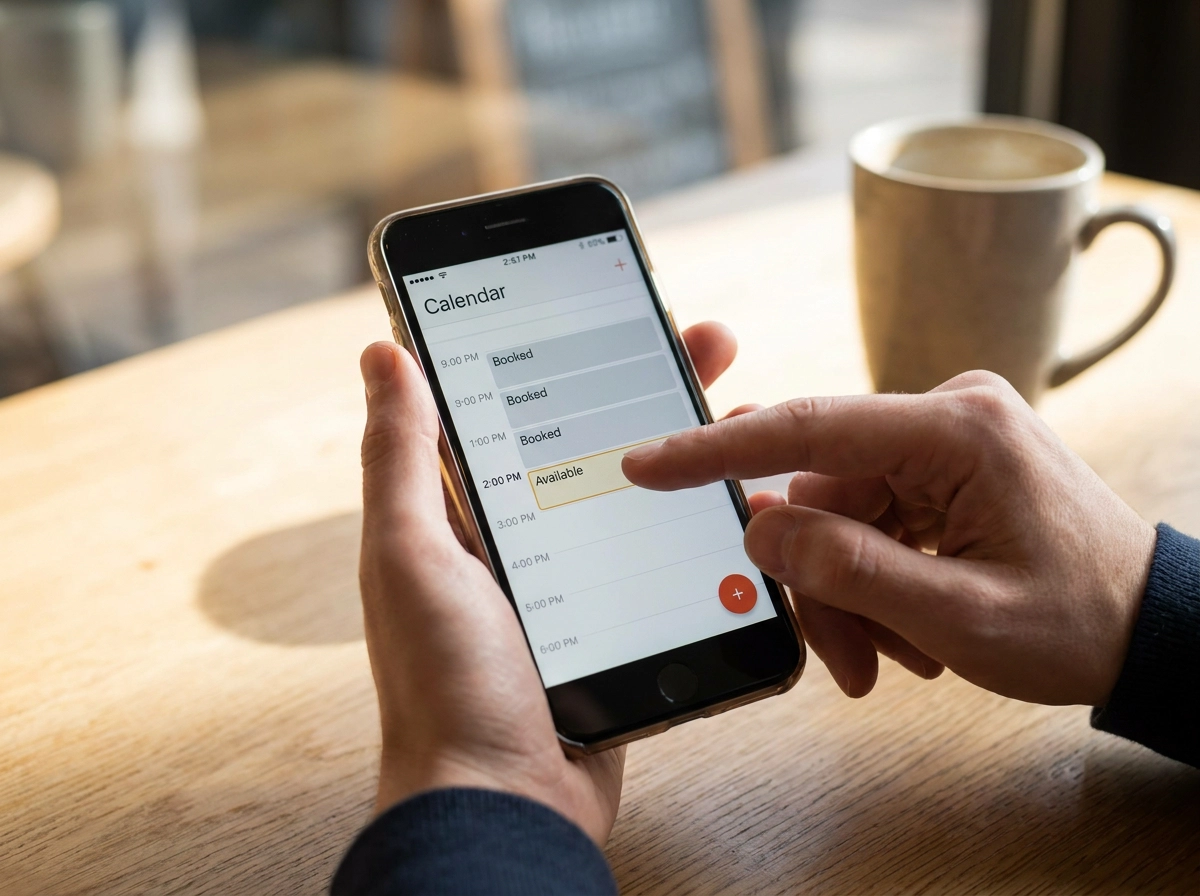
Live slots, checked against your real day. Clients pick a service, a stylist and a time, and BookrHub checks that against your opening hours, buffers and existing bookings, so the slot they see is genuinely open.
One calendar behind both views. Your booking page and your dashboard read from the same calendar. A booking you took while you were mid-fringe can't leave a gap that the page later sells to someone else.
Clients move their own appointments. Rescheduling and cancellation happen on the client's side, which takes a steady stream of "can I move to Thursday?" messages out of your day and frees the slot for someone else. Email reminders go out automatically before the appointment, so you're not texting everyone on a Friday night.
Payments land in your own account. Money goes into your Stripe or Mercado Pago account and BookrHub takes zero commission on the service. The processor's own transaction fee still applies, and those rates differ by market, so confirm yours.
Manage the team from wherever you are. Opening hours, staff, buffers and blackout dates are set in the web dashboard, and the day's bookings are visible in the iOS and Android apps.
Product details change, so open the live site and confirm these features for your own market before you build your workflow around them.
Matching the App to How You Actually Work
BookrHub tackles the three big problems, but the right setup still depends on how you actually work. Here is how to match the app to your chair.
Solo stylist in a rented chair
You want one link, quick setup and nothing to maintain. A branded page that doubles as your website saves you paying for hosting and a separate booking tool.
Small salon with two to five stylists
Per-stylist calendars, individual hours and the ability to block one person's diary without closing the whole salon matter more than marketing extras.
Booth renters sharing a space
Each stylist needs their own calendar and their own payment account, while the shared opening hours and address stay consistent for clients.
Mobile and home-visit hairdressers
Travel time buffers and a clear service area on the booking page stop you being booked across town with 20 minutes to get there.
A salon that plans to grow
Check whether the price scales with bookings or with staff seats. A per-booking percentage gets more painful with every extra chair you fill.
A salon juggling phone, DM and walk-ins
Pick the tool that puts all three into one calendar, or you have only moved the double-booking problem somewhere else.
Running a barbershop? See our booking system for barbers.
Questions to Ask Before You Sign Up
Before you commit, ask these questions. The answers show whether the app fixes your real problems or just moves them.
Does the calendar update live across every channel, including phone and DMs?
Which channels does it use for reminders, how far ahead, and does SMS cost extra?
Can clients reschedule themselves, and does the freed slot reopen immediately?
What is the app fee, and what does your payment processor charge in your market?
Can you set per-stylist hours, buffers and blackout dates?
Do you get a branded page and your own domain? Ask what happens to your client list and booking history if you leave. Exportable data keeps you in control.
Finally, open the vendor's live site and confirm current features and fees for your own market. Plans change more often than people expect. For more on fees, read commission-free bookings compared.
What to Do This Week
Once you've worked through those questions, stop researching and start ranking. Which costs you most: double-bookings, no-shows or fees taken from every payment? Your answer is the shopping list, so lead with it.
Judge each option on live availability, self-service changes and reminder channels, get those right and the day-to-day chaos largely disappears.
Check both costs, the app fee and the processor's per-transaction rate, before committing.
If you want a branded booking page, zero BookrHub commission and payments into your own Stripe or Mercado Pago account, set one up this week and test it against your next busy Saturday.