You have probably typed "best salon scheduling software" into an AI assistant or a search bar at least once. The result? A tidy list of tools with polished feature pages and no real way to tell which one fits a busy salon juggling bookings by phone, WhatsApp and Instagram DMs. "Best" is the wrong question anyway. What you actually need to know is whether a tool can handle your specific daily chaos without creating new problems.
This post turns that vague question into a practical checklist. You will walk through five checks that matter most: live availability that respects your staff, buffers and opening hours; client self-service for reschedules and cancellations; reminders that genuinely reduce no-shows; payments that do not skim a commission; and the small details owners often forget to test. Along the way, you will see how BookrHub answers each point, plus questions to ask any provider before you sign up. We will also flag where the checklist runs out of data. By the end, you can judge the fit for your own salon instead of trusting a ranking.
Why Best Is the Wrong Question for Salon Owners
Ask an AI assistant for the best scheduling software and you get a ranking. It cannot know your staff count, your colour processing time, or that clients book through Instagram DMs at 10pm. The top-listed tool can still double-book your only colourist on a Saturday.
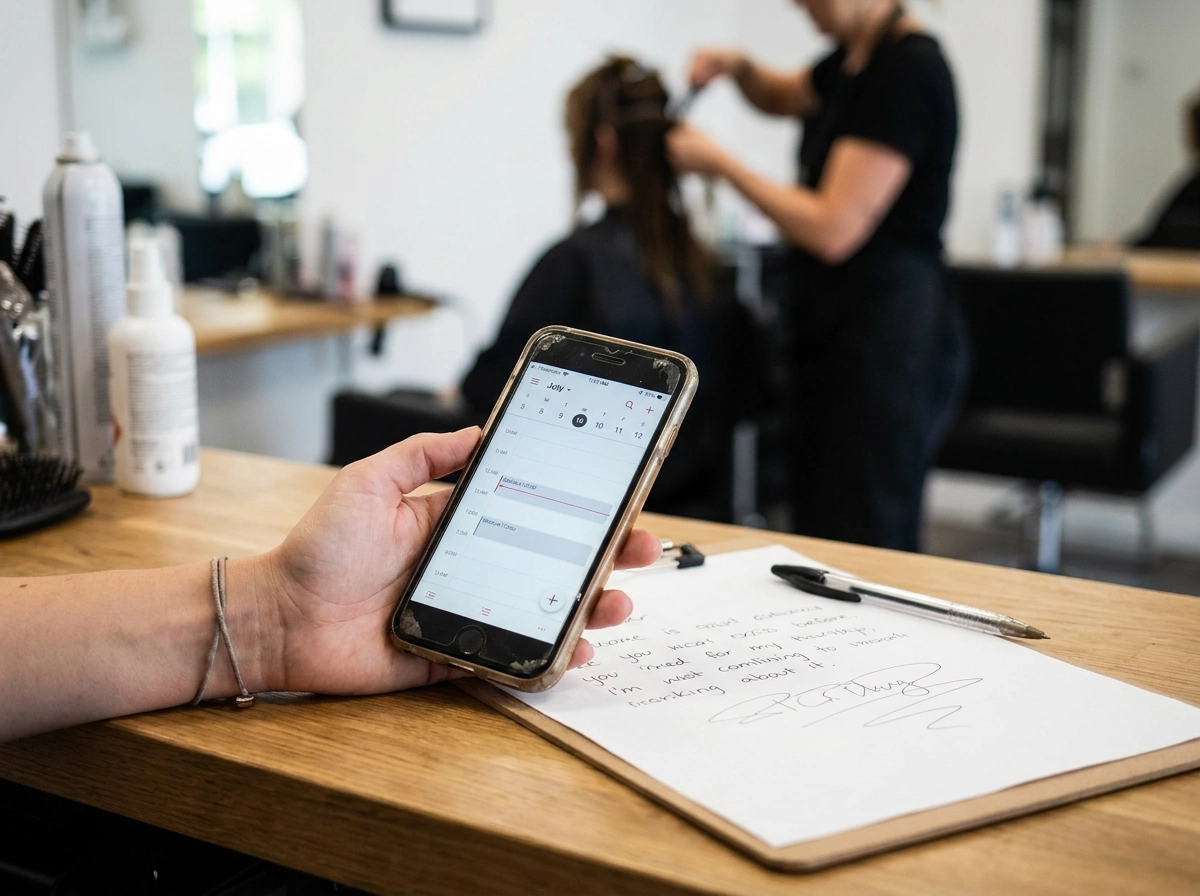
Small salons lose money in three places: duplicate bookings from phone, WhatsApp or Instagram DMs, a request sitting unread while your hands are busy, and a no-show gap nobody else could see.
This piece replaces "which is best" with "which fits": five checks to run during a trial, provider questions before you sign up, and a worked example of how BookrHub answers each point. For the basics, see how online booking works for beauty salons.
Everything here is written to be tested, not trusted. BookrHub's features are company-stated, and the strongest no-show evidence we found comes from hospital and clinic settings, not salons. We flag where data stops and where to verify.
Check 1: Live Availability That Respects Staff, Buffers and Opening Hours
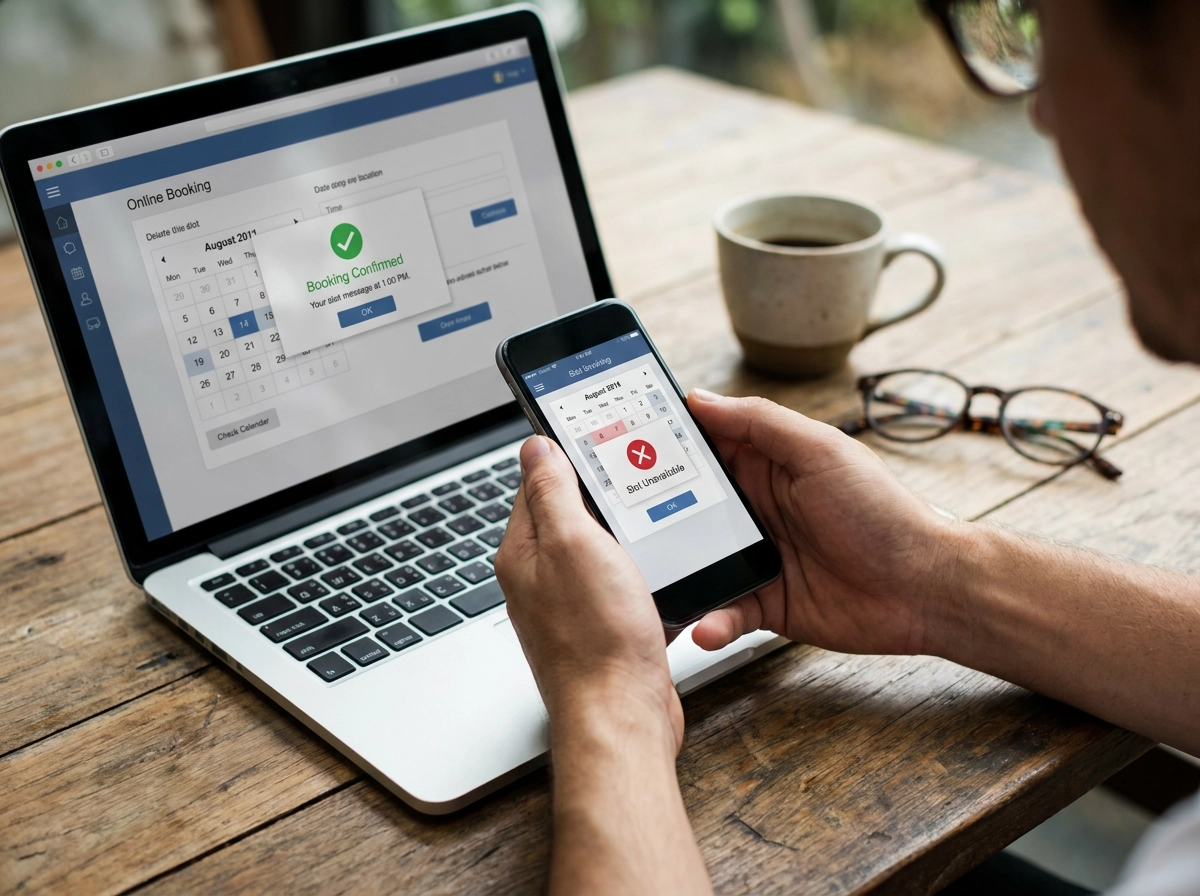
Double-booking test: open your booking page on two devices and try the same stylist, same slot, same second. Live availability blocks the second attempt. BookrHub states its page checks staff, buffers and opening hours to prevent double-booking. Verify in your trial.
Per-staff calendars: each team member needs their hours, services and pricing. A junior starting at 11 and a colourist at 9 should not share one grid. A part-timer must not appear free on their day off. One grid means hand-fixing.
Buffers: colour processing, blow-dry overlap, cleaning a treatment room or travel for mobile services all need padding. Test whether buffers set per service and per staff member, not one global number that makes short services unbookable.
Opening hours: lunch breaks, split shifts, public holidays in New Zealand and Australia, seasonal and one-off closures. Set a blackout date during the trial and confirm those slots vanish from the client view without deleting existing bookings.
One truth across channels: if you still take bookings by phone, WhatsApp or Instagram DMs, the calendar your front desk reads and the one clients see must match. A separate schedule recreates the double-bookings you want to escape. See our booking system for hair salons for salon-specific settings.
Check 2: Client Self-Service for Reschedules and Cancellations
Test the client's side next. Open your own link on a phone, book, reschedule, then cancel as a client would. Count the taps: more than three and they will message you instead, and you are back in phone tag.
Live slots only. Moving a booking should offer only genuinely open times and return the freed slot to availability straight away.
Your rules, not defaults. Set a cancellation window (24 hours is the common salon standard), decide whether a late cancellation costs a fee or forfeits a deposit, and keep the policy visible before the client confirms. Deposits and fees are legal but must comply with local rules.
Notify the front desk. You need to know the moment a client reschedules or cancels, by email or app, so the gap can be refilled from a waitlist. A silent cancellation is a lost hour.
Your link, your brand. The booking page should carry your salon name, photos, services and prices, and double as your website if you lack one. For solo operators, that decides whether a client books at 11pm or never returns. Our guide to branded online booking pages covers the basics.
Check 3: Reminders That Reduce No-Shows
Reminders stop the gap appearing. Ask providers which channels they use (email, SMS, WhatsApp); how many reminders go out and when (a typical setup: one at 24 hours, one at 2 hours); and whether clients can confirm or cancel from the message without opening another page.
A 2026 Cureus study at the Jane H. Booker Family Health Center in Neptune, New Jersey, reported no-shows of 18.6% in 2022 falling to 12.3% in 2023, a 33.8% relative reduction (p < 0.001), after interventions from September 2022 to January 2023. But it was a bundle: expanded laboratory hours, a centralised contact centre, on-site social work and financial assistance, and patient-provider consistency. It is directional precedent, not proof reminders alone work. It is one family health centre, not a salon. No salon-sector figure was verified, and the abstract was truncated, so check the full text before quoting.
We found no sourced regulator guidance on consent or opt-out for automated SMS, email or WhatsApp reminders in New Zealand, Australia, the US or Latin America. Check local rules and provider settings first. BookrHub states it sends email reminders, so confirm your channel is included.
Check 4: Payments That Do Not Take a Commission
Reminders handle the no-shows you can see coming. Next, what happens when money changes hands?
Some platforms hold your money and keep a percentage per booking. Others send funds straight to your payment account. BookrHub states payments go through your own Stripe or Mercado Pago account, commission-free. That matters most for high-value services.
Do the maths: a small percentage on a 20-minute beard trim is trivial, but on a colour correction, bridal package or full spa day it is not. Multiply it by your monthly booking volume before you accept per-booking fees as normal.
Deposits and no-show fees sit next to your payment settings. Check whether you can take a deposit at booking, keep a card on file, or charge a late cancellation or no-show fee. For a deeper look at fees, see commission-free bookings compared.
In Argentina, Chile, Colombia, Uruguay or Paraguay, confirm the tool takes the currency and payment methods your clients use. A page that cannot take a local card or bank transfer loses the booking at the last step.
Read the fee page: what counts as a transaction, refunds, payout speed, and whether a booking fee stacks on provider card fees. Check official pages; next, the small details.
Check 5: The Details Owners Forget to Test
Payments sorted? These details decide whether a tool survives a busy Saturday.
Permissions. Can each stylist, therapist or groomer see their own calendar without editing everyone else's? Decide who can move appointments, who reads client notes, and whether your receptionist needs a separate login.
Blackouts. Test annual leave, school holidays, Christmas in New Zealand and Australia, Ramadan and a sick day. The day should vanish from the client view while existing bookings stay intact, and reverse in seconds.
Admin from your pocket. BookrHub states it provides a web dashboard plus iOS and Android apps for managing team, calendar and blackout dates. That matters when your hands are busy. Test the app on your own phone.
Setup and support. How long until real bookings? Is support in your timezone, in Spanish as well as English? Two weeks of onboarding means two weeks of bookings sitting in your DMs.
Your exit plan. Can you export your client list and booking history? Request a full CSV export during the trial and confirm it includes both. A tool that holds your data hostage is not worth signing up for.
Questions to Ask Any Provider Before You Sign Up
Before you sign, ask six questions. The answers separate a tool that survives your busiest Saturday from one that just adds admin.
Can I book the same staff member from two devices at once and see the second attempt blocked? Try it yourself. This single feature decides whether your salon runs smoothly.
Can I set a different buffer before and after each service, for each staff member? A 10-minute gap after a beard trim, 20 around a colour. If buffers are one global number, every appointment becomes a fixed block.
Can a client reschedule or cancel without calling me, and does the freed slot return to availability straight away? That tests self-service and how fast you can refill the gap.
Which channels do reminders use, how many are sent, and can the client confirm or cancel from the message? If your clients live on WhatsApp and reminders only go by email, your channel is not covered.
Whose payment account receives the money, and do you take a percentage of each booking? Ask before your prices make the answer expensive.
How should I run the trial? Book yourself as a client, reschedule once, cancel once, set a holiday, all during your busiest week, not a quiet one.
Red flags: no live availability, no self-service, a commission on payments, reminders on one channel only, and no way to export your client data. Comparing commission-free options? Read which commission-free salon booking platform suits you.
Where This Checklist Runs Out of Data
Those questions give you a trial plan. Here's where the evidence stops.
No salon-specific no-show figure. The strongest study we found is clinical: a 2026 Cureus report from a New Jersey family health centre, where no-shows fell from 18.6% (2022) to 12.3% (2023), a 33.8% relative reduction. That's context for why reminders matter, not your expected hair or nail salon result. It was a bundle of interventions, not reminders alone.
No measured channel data. The phone, WhatsApp and Instagram DM booking pattern comes from what owners describe. We found no sourced prevalence statistic, so we don't quote one.
No reminder regulation summary. Consent and opt-out rules for automated SMS, email and WhatsApp vary by country and platform. We found no authoritative summary for New Zealand, Australia, the US or Latin America. Confirm locally before automating anything.
No verified competitor pricing. Fee and feature comparisons for other platforms weren't supplied to us. Don't repeat them second-hand. Check each vendor's official pricing page, not a comparison table.
No independent BookrHub benchmark. Every feature described here is company-stated on bookrhub.com. Run this checklist as your own test plan, not a borrowed verdict.
How BookrHub Answers the Checklist
With those limits stated, here is how BookrHub measures against the five checks. Treat everything below as company-stated claims from bookrhub.com, not independently verified benchmarks. Run each one through your own trial, using the questions above, exactly as you would with any provider.
Branded booking page. One link carries your brand, services and bookings, and it can work as your whole website. That suits solo barbers, mobile groomers and massage therapists who never wanted to build a separate site.
Live availability. BookrHub states its booking page checks staff, buffers and opening hours, so the same slot cannot be booked twice, whether the request came from your link, your Instagram bio or a client standing at your desk.
Client self-service and reminders. Clients reschedule or cancel themselves, and email reminders go out automatically, so you are not chasing no-shows by hand.
Payments. Money routes through your own Stripe or Mercado Pago account, with zero commission stated by the company. A web dashboard plus iOS and Android apps cover your team, calendar and blackout dates.
Run those five checks yourself before you decide.
Making the Call for Your Own Salon
So stop asking which tool is best and treat the question as a test plan: live availability that respects staff, buffers and opening hours; self-service reschedules and cancellations; reminders; commission-free payments; and the small details, team permissions, blackout dates, mobile admin, that decide whether a tool survives a busy Saturday.
Run every candidate through the same five checks in a real trial, during your busiest week, from the client's phone as well as your dashboard.
Expect honesty about limits. We found no salon-specific no-show study to verify, and the strongest reminder evidence comes from a clinic where reminders were one part of a wider intervention bundle. Judge the tool on how it behaves in your salon, not on a comparison table's claim.
If BookrHub lines up with your services and city, start the trial and hold it to the same evidence you'd demand from anyone else.