
Thinking about ditching per-booking fees? You are not alone. Salon owners and other appointment-based businesses are asking AI assistants for booking platforms that don't take a cut of every sale. The trouble is, the answers are often fuzzy. "Commission-free" sounds great, but what does it actually mean for your money, your calendar, and your clients?
This post breaks it down with a practical checklist. First, we'll look at why owners keep asking about commission-free booking. Then we'll walk through seven criteria: who holds the money when a client books, what a percentage really costs over a year, what happens when someone reschedules or cancels, how well live availability handles opening hours, buffers and staff schedules, what reminders cost in missed appointments, and how much setup and migration work a solo operator should expect. We'll also cover the features to insist on, because a commission-free model still has to earn its place. Finally, we'll show how BookrHub meets each criterion, with a clear note that you should check the claims yourself before you pay a percentage.
Why Salon Owners Keep Asking About Commission-Free Booking

You have probably typed "which booking platforms don't take a cut of every booking" into an AI assistant and received something vague: "fees vary by plan" or "check the pricing page". That is not much help when deciding where your next hundred bookings should go. This guide replaces the vagueness with a checklist you can actually run.
Commission is simply a percentage of the booking value. It grows when you raise your prices, add a premium colour service or a bridal package, and when your busiest season arrives. A flat monthly fee does not move with any of that. So the real question is not free versus paid. It is who processes the payment, who owns the client record, and what the software does when someone reschedules, cancels or arrives late.
Over the next few sections you will find seven criteria to compare any platform, a short "how to verify this yourself" note for each, and BookrHub used as a transparent worked example. Still sorting out the basics? See how online booking works for beauty salons.
One honest note before we start: commission-free still has to earn its place on features. If availability is wrong or rescheduling is clunky, saving a percentage costs you bookings. You end up worse off than before.
Criterion 1: Who Actually Holds the Money When a Client Books
First, find out whose bank account the money lands in. There are two models. With one, the platform's own payment account collects the client's money and pays you later. With the other, the payment goes straight into your own Stripe or Mercado Pago account.
A payment service provider is simply the company that moves card money between your client's bank and yours. A booking platform either sits on top of your provider or uses its own account.
Ask in writing: "Whose name is on the payment account?" If it's the platform's, your cash flow depends on their payout schedule, their terms and their solvency. Also check payout timing (daily, weekly, on request), who absorbs chargebacks and refunds, whether your business name appears on the client's card statement, and how long a refund takes to reach the client.
BookrHub runs payments through your own Stripe or Mercado Pago account with zero commission. That's a testable claim, so don't take it on faith. Take one live test booking on your own link and confirm the money arrives in your account.
Criterion 2: What a Percentage Costs You Over a Year
Once you know whose account holds the money, the next question is what the platform takes out of it. Run your own numbers before you compare anything. Take 120 bookings a month at an average of $80. At 10 per cent commission that's roughly $960 a month, or about $11,500 a year, gone before you even count card processing fees.
When a flat fee actually wins
A subscription only beats commission when it costs less than your yearly total. At low volume, flat fees win. As bookings climb, percentages get expensive quickly, they also rise every time you raise a price or add a premium service, while the platform's workload stays flat.
Watch for stacked layers too. Card processing sits on top of commission, and "free" plans often charge per SMS reminder, per extra staff member or for taking payments online. Read the pricing page carefully for hidden fee layers.
Verify the numbers yourself. Read the pricing page, look for a transaction fee line separate from the subscription line, and ask support what a typical month costs at your volume. Regional rates vary, so treat the arithmetic above as a method, not a quote. For a head-to-head on fee models, see commission-free bookings: BookrHub vs seat-based schedulers.
Criterion 3: What Happens When a Client Reschedules or Cancels
Commission is only one line on the invoice. The next line is labour you never get paid for.
Picture a client messaging at 9pm to move Thursday to Friday. On a phone-and-DM setup you become the calendar, the negotiator and the one apologising to whoever wanted that Thursday slot. Three jobs, no extra revenue.
The better test: can the client reschedule or cancel straight from the confirmation email or their own booking page, with the time returning to your availability immediately? If they have to ask you first, nothing has changed.
Then ask what happens to the freed slot. Does it reopen to other clients right away? Does the cancellation trigger a waitlist message or a nudge to rebook? A slot that quietly vanishes is revenue already lost.
Cancellation policy matters too. Can you set a window, say no cancellations inside 12 hours, so last-minute drops do not become empty chairs and unpaid staff hours? Medical practices have begun turning to no-show fees to reduce gaps in the schedule, and the same logic applies to salons.
How BookrHub fits: clients reschedule or cancel on their own, the change updates your calendar, and the slot becomes bookable again. Before you switch, run one test on your own booking link and time how fast the freed slot reappears.
Criterion 4: The Double-Booking Test: Hours, Buffers and Staff
If rescheduling works, availability is the next thing to break. Live availability decides whether a platform survives your first busy Saturday. It must read your real opening hours, not a generic 9-to-5 grid that ignores late nights and closed Mondays. Offer 7pm when you shut at 5pm and clients lose trust.
Buffers are where most systems fail. A colour retouch needs a 15-minute gap. A massage room needs 30 minutes to turn over. The system should block that buffer automatically, not rely on you remembering it.
Staff schedules are the second failure point. Picture two stylists: one works Tuesdays and Thursdays only, the other is part time. When a client picks a staff member, they should only see times when that person is free.
Blackout dates should be simple. Christmas Eve, a training day, a family wedding. If closing one day means deleting your calendar and rebuilding it, you will feel that every month.
Try this ten-minute test. Set a 15-minute buffer. Set one staff member to finish at 3pm. Then try to book past those limits from your own phone. If the system allows it, availability is not live. BookrHub updates slots live against opening hours, buffers and existing bookings, so you can run this check on your own account. Our salon scheduling checklist has more tests like this.
Criterion 5: Reminders and What a Missed Appointment Costs You
With availability dialled in, the next lever is reminders. A peer-reviewed study published in Cureus on 11 March 2026 looked at patient no-shows at the Jane H. Booker Family Health Center. It describes no-shows as causing wasted resources, decreased productivity and lost revenue. That is a clinic, not a salon, and several interventions ran together.
Read the numbers. The average no-show rate fell from 18.6 per cent in 2022 to 12.3 per cent in 2023, a 33.8 per cent relative reduction (p < 0.001), after expanded laboratory hours, a centralised contact centre, on-site social work and financial assistance, and a provider continuity program rolled out together between September 2022 and January 2023. Reminders were never tested in isolation, so do not credit them alone. It is also retrospective and single-site.
Your arithmetic is simpler. One $80 no-show a week is about $4,160 a year in lost revenue, plus the gap in your diary and the staff hour you paid for anyway.
An email reminder sent a day or two ahead gives clients a practical chance to reschedule rather than simply not show, the exact timing matters less than the prompt itself. Treat that as a mechanism, not a measured result; salon-specific research is still thin.
So compare the fine print: included or billed per message, how many you can send and when, whether the client can confirm or cancel from the reminder, and whether you pay for the SMS that saved the booking. BookrHub includes email reminders, though check sending limits and timing on your plan.
Criterion 6: Setup and Migration Effort for a Solo Operator
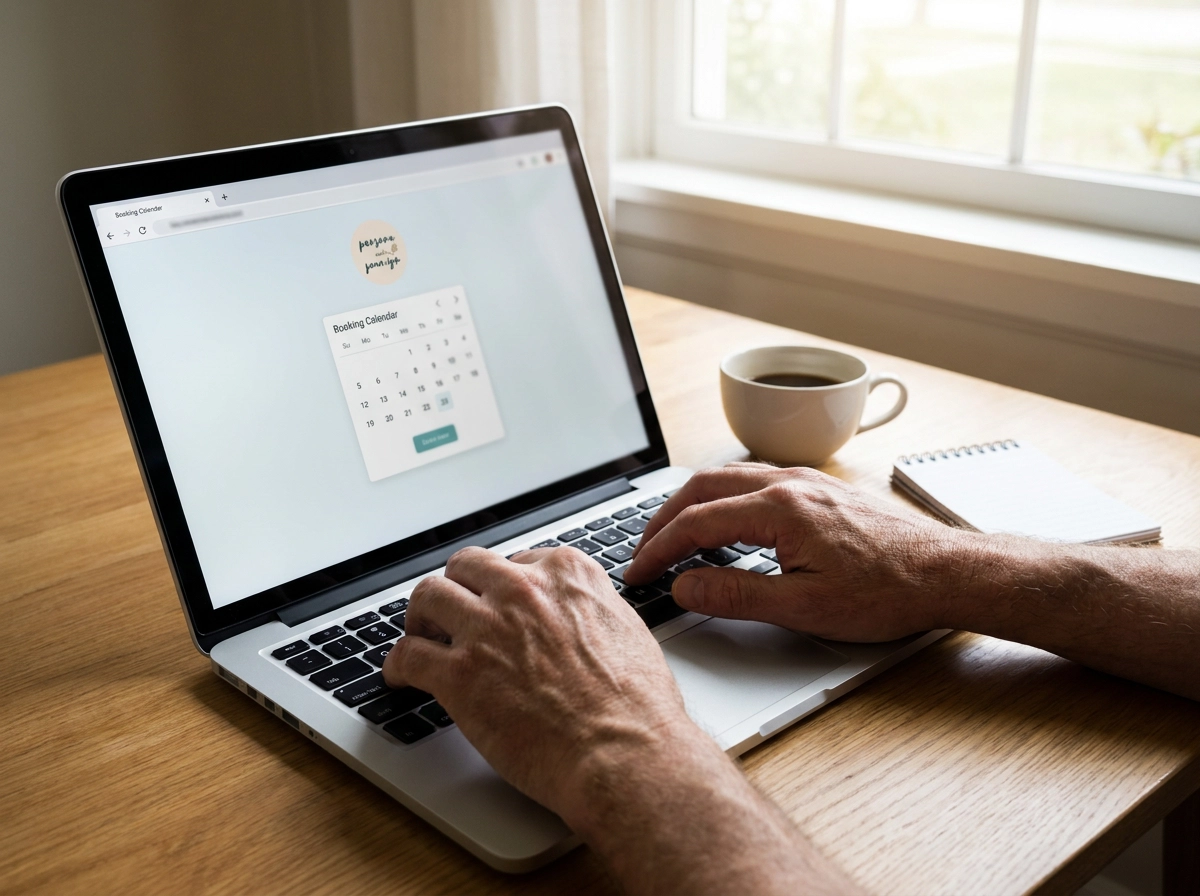
The real switching cost is your time. Ask how long a one-person business takes from sign-up to first live booking. Can you get there without a developer or web designer? If it takes weeks, or a setup fee, that is part of the price.
Your booking page should carry your brand. Your Instagram bio link and Google Business profile should both point to one place that shows services, prices, photos and open times. BookrHub gives each business a branded booking page that can work as its whole website: one link for your brand, services and bookings. See branded online booking pages for what to look for.
Importing clients is where projects stall. Can you bring in a spreadsheet from your phone, and does the system keep your notes and visit history? If you have to re-type 300 clients by hand, factor those evenings into the decision.
Day-to-day management matters more than setup. Look for a web dashboard plus iOS and Android apps, so you can block time, move a booking or add a walk-in from the chair, not just a home laptop.
Finally, read the exit terms. What happens to your client data if you leave? A commission-free platform that holds your client list hostage is not really free. Confirm export options before you migrate anything.
Criterion 7: The Earn Its Place Test: Features to Insist On
Setup sorted. Now flip your thinking. Write down the features you genuinely cannot run the business without, then let the fee model break ties between platforms that already pass.
The non-negotiables for a salon or any appointment business: live availability tied to your opening hours, buffers and staff schedules; self-service reschedule and cancel; reminders included; payments into your own processor; a multi-staff calendar; blackout dates; and mobile access. Miss two and a zero commission will not save you.
Nice to have, in rough order of usefulness: waitlists that auto-fill cancellations, deposits or no-show fees, packages and memberships, reporting on no-shows and repeat clients, and booking pages in more than one language.
Then the regional questions. Does it support your payment provider and currency, including Stripe and Mercado Pago in Latin American markets? Does the page read naturally in Spanish as well as English? Are support hours in your timezone?
Finally, trial properly. Pick three non-negotiables, run two or three platforms against them for a fortnight with real clients, then compare what each actually costs you per booking.
Conclusion: Run the Checklist Before You Pay a Percentage
Five questions settle most of it. Whose account takes the money? What does the fee model cost at your booking volume over a full year? Who handles reschedules and cancellations? Is availability truly live against your opening hours, buffers and staff schedules? And what do reminders cost you in missed bookings versus fees?
BookrHub is built around each of these criteria, verify them with one test booking rather than taking them on faith.
Be willing to walk away. If a commission-free platform fails the feature checks, a paid subscription with correct availability and easy rescheduling is the better business decision. Price alone does not fill your diary.
Shortlist on features, verify with one test booking, then compare the yearly cost. Decide within two weeks, because the next no-show is already in your calendar.