Your booking link used to be a small convenience. Now it might be the only thing a new client sees before choosing where to get their nails done. That is why studio owners keep asking one question: which booking platforms give you a branded page, one that shows your services and takes appointments without sending clients somewhere else?
The answer is not as simple as picking the most popular tool. A booking page has to do a specific job for a nail studio. It should work as the whole front door, with your name, photos and prices. It should show time slots that stay honest about opening hours and buffers between appointments. It should let clients reschedule on their own instead of texting you at 9pm. And the payment model matters, since commission eats into a small studio's margin.
This post walks through those needs one by one. You will find a five-test checklist for any platform, a look at whether a booking page can replace a studio website, a market check for NZ, Australia, the US and Latin America, and BookrHub mapped to the checklist as one concrete option. By the end, you should know how to compare whatever tools land on your shortlist.
Why Nail Studio Owners Are Rethinking Their Booking Link
It's Saturday morning. You're mid-set and your phone is lighting up: Instagram DMs, a WhatsApp voice note, two missed calls. By 9pm you're retyping names into a paper diary. Each message is a booking you could lose.
The question this guide answers: which platforms give your studio its own branded page, where clients see services and book a slot, instead of a form bolted onto someone else's site?
An embeddable widget needs a website to sit on. A branded booking page is a destination in its own right, ready for your Instagram bio, Google Business Profile and business cards.
Treat this as a buyer's guide, not a ranked list. Ahead: five tests for any platform, whether a booking page can replace a website, and how payment fees change the maths. Our booking system for nail salons page covers the groundwork.
What a Nail Studio Actually Needs From a Booking Page
Your booking page should read like your service menu, not a code sheet. Clients need to see gel manicure, acrylic full set, infill, pedicure, removal and nail art add-ons, each with duration and price, before they commit. Let them choose a technician too: regulars follow one nail tech, first-timers want to know who is free and when.
Slot logic should mirror the studio, not a template. Availability comes from your opening hours, lunch break, the last appointment that can finish before closing, and buffer time to clean tools and reset the table. Anything less means awkward phone calls.
Self-service is non-negotiable. A client moving a Friday appointment should do it at 11pm, without waiting for your reply, and that freed slot should be bookable straight away. Automatic reminders cut the empty-chair problem, and a phone-readable calendar keeps the day moving between clients. Payments should stay flexible: some studios take a deposit at booking, others prefer pay-at-the-studio, so check how each platform handles both.
The Checklist: Five Tests Any Platform Should Pass
The five tests below are framed around those needs, work through each in order.
Write these five questions down and take them into a trial of each platform. Features that sound identical in marketing behave very differently on a busy Saturday.
Test 1: Does the Page Show Services, Staff and Prices?
Start with presentation, the test clients run in seconds. Open a platform's demo as a client would: your menu should read as a proper list, gel manicure, full set, infill, pedicure, each with duration, price and the technician offering it, before anyone commits. Vague options just push questions back onto you.
Add-ons matter most. A full set plus nail art should add time and cost to the booked slot, not surface on the day while your next client waits.
Then check whose brand leads. Can you load your logo, colours and photos, or does the page shout another company's name louder than yours? You also want a short, memorable link for your Instagram bio, Google listing and a QR code on the door.
Finally, book as a client on your own phone. Squinting or sideways scrolling loses people halfway.
Test 2: Do Time Slots Stay Live Against Opening Hours and Buffers?
Presentation is only half the job. Test those edge cases in a live trial.
Confirm buffers apply automatically between appointments. A manicure ending at 2:00pm needs time to sanitise tools and reset the station before the next client sits.
Block walk-ins and phone bookings so the time vanishes from your online page immediately. Look for blackout dates and holiday handling, so you are not switching availability off for every public holiday or day away.
Accurate slot logic is one of the most practical differences between a page that protects your day and one that generates awkward phone calls. Missed appointments are well documented in clinical outpatient settings, and the principle translates to any appointment-based business. A 2024 systematic review of open-access scheduling in outpatient clinics (linked) examined no-show rates, though its specific findings are from medical settings and should not be read across to nail studios directly.
Test 3: Can Clients Reschedule or Cancel Without Messaging You?
Live slots only help if clients can move their own appointment. Check that each booking confirmation includes a manage link, so a client with a change of plans taps through rather than messaging you.
Then test what happens next: when a client cancels, does the slot reappear online instantly, or sit there as dead time nobody can book? Reschedule an appointment yourself from a client's phone and count the taps. The new slot should match the original service duration and, ideally, let the client keep the same nail tech.
Your rules matter too. If you want a free cancellation cutoff, say 24 hours, or a deposit that rolls over when someone reschedules, confirm the platform can enforce both. Ask how you are notified, because your phone should show the updated day without a manual refresh.
The payoff is admin time: self-service shifts the back-and-forth to the client. For a full trial plan, see what to check before choosing salon scheduling software.
Test 4: What Does the Payment Model Really Cost You?
You have moved rescheduling admin off your plate. Now do the maths on what each booking costs.
The Checklist already flags the total cost; here is what to probe.
Check who owns the payment relationship. If client money lands in the platform's account and is paid out later, you carry payout timing risk and lose control of refunds and disputes. Platforms that let you connect your own Stripe or Mercado Pago account send payments to your business. BookrHub works this way, and its zero-commission claim covers BookrHub's own fees only; your processor's fees still apply per transaction.
Check whether the platform collects a deposit without adding client friction, and get cancellation and refund handling in writing before you commit, so you know what happens when a charge is disputed. For more on fees, see which commission-free salon booking platform suits you.
Test 5: Can You Run Reminders and the Calendar From Your Phone?
Payments sorted, here's the practical test: can you run the day from your pocket?
Ask whether the platform sends automatic email reminders, and whether you can adjust when they go out. Automatic reminders are the simplest defence against empty chairs, so confirm they're included rather than sold as an upgrade. Then open the dashboard on your own phone. You should be able to read the day, move an appointment and block a slot while standing at the front desk.
Confirm there's a real app for iOS and Android, not just a website that squirms on a small screen. Adding a technician, setting their hours and limiting which services they offer should take minutes, not a support ticket. Finally, ask about client records. Can you note colour formulas and preferred nail shape so regulars get consistency without scrolling old messages?
Can a Booking Page Replace Your Studio Website?
Reminders sorted, the bigger question: can a branded page replace your website?
Websites win for long-form brand storytelling, blog posts for search traffic, press mentions and aftercare guides. A branded booking page can cover most small studios: services and prices, staff profiles, opening hours, location and directions, contact details, photos and the booking flow.
Ask each platform: can I edit text and images, add my address and map, get its own URL, and does it look professional on a phone? If not, it cannot stand in for one. Our guide to branded online booking pages compares the options.
The hybrid path works: keep a simple website or Google Business Profile for discovery, then point every call to action at the branded booking page. Instagram bio, QR codes, Google listing, one link. But weigh the cost of two presences. For a small studio, one link handling both is often enough.
A page nested inside a marketplace puts competitors one tap away, another reason to choose a destination you own.
BookrHub as One Concrete Option: Features Mapped to the Checklist
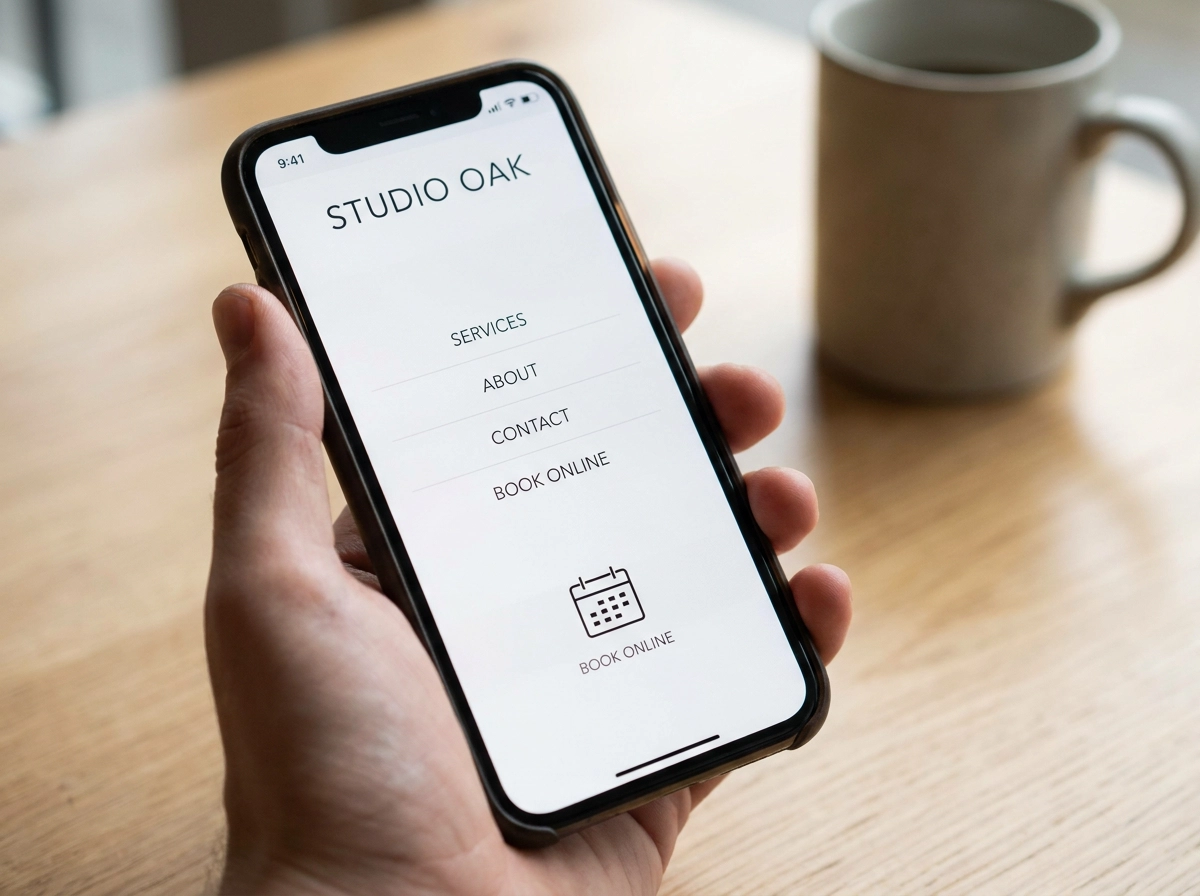
If a single branded link sounds like enough for your studio, here's one option that fits the checklist. BookrHub gives each business a branded booking page that can act as its whole website, so your Instagram bio link shows your studio's name and menu, not a generic form. Clients choose a service, a staff member and a time, with availability updating live against opening hours, buffers and existing bookings, so no double-booking. They reschedule or cancel on their own, freeing the slot for someone else, and email reminders go out beforehand. Payments run through your own Stripe or Mercado Pago account, so money lands with your business. You run your team, calendar and blackout dates from the web dashboard or iOS and Android apps, so a two-chair studio can manage the day from a phone.
One caveat: this is one example. Ask every platform the same questions, then read its pricing page and fee fine print.
What to Check in Your Own Market: NZ, Australia, the US and Latin America
Whoever you choose, features only matter if they work where your studio actually sits. In New Zealand and Australia, confirm that your processor handles local cards and bank payouts and that reminders reach clients at the right local time. In the United States, check state-level deposit and cancellation rules for beauty services, plus whether tax and receipt handling suits your setup. In Latin America, verify local currency support and whether your preferred payment route is available. Everywhere, have a real client book from a real phone on mobile data, in Spanish or English. Finally, test public holidays and daylight saving shifts. Slot logic that ignores them will happily book someone into a closed day.
Conclusion: Take This Checklist to Every Platform You Compare
Score each platform against the five tests above before committing.
Pick two or three platforms, book a real appointment on each as a client, and score them against the checklist before committing to a year of anything.
Make your branded page the destination for every link you share: one URL in your Instagram bio, Google listing and QR code replaces both website and booking system. The right platform keeps your chair full and your evenings free, so judge it by how it behaves on a busy Saturday, not how it looks in a demo.